Generated room link
The server creates the link; the room name never shows in the address bar.
OVOROOM
Name your room and share the link it generates. Guests join by typing their name, no sign-up; you track attendance in the room log.
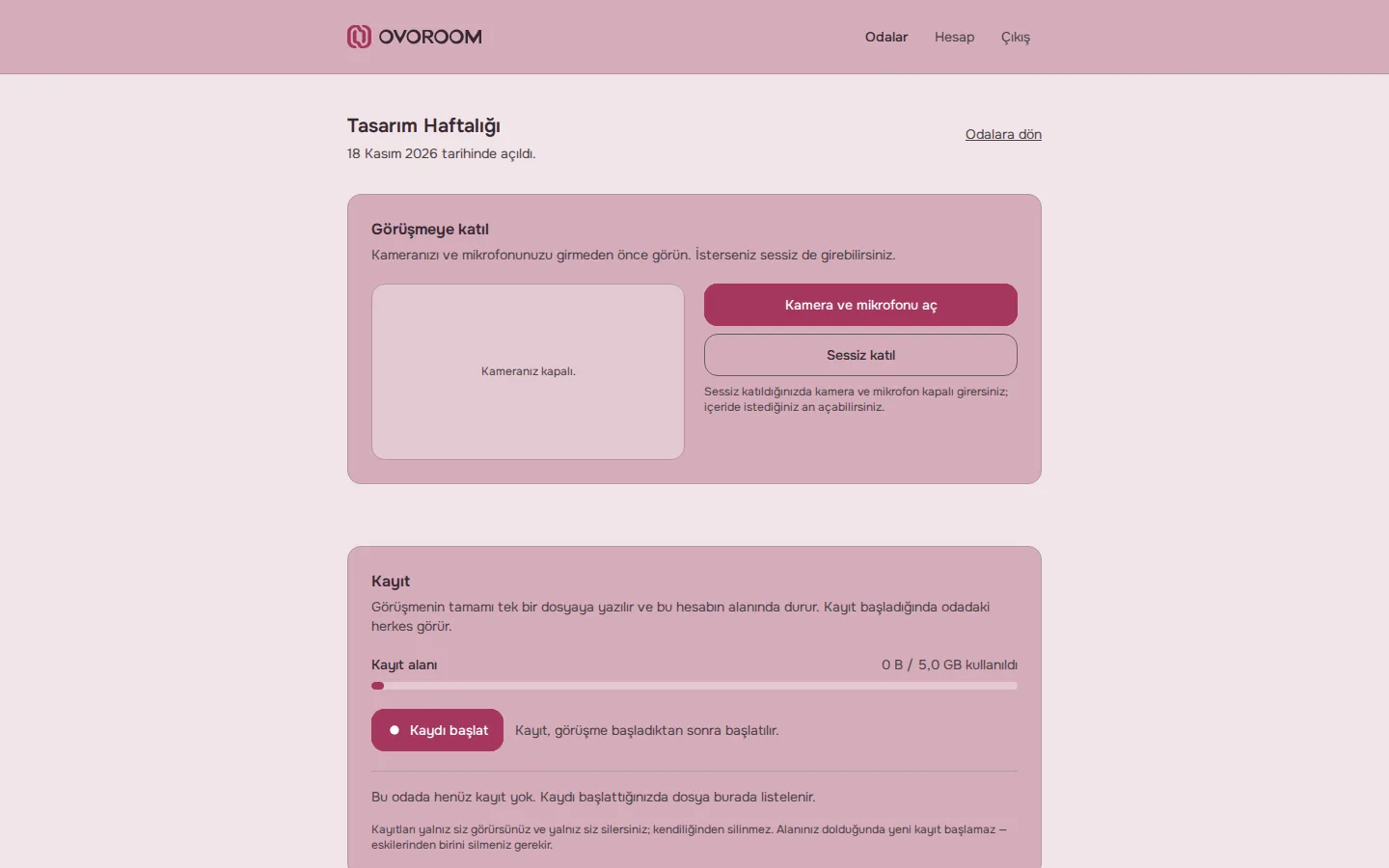
Guests enter from the link; the host manages the room from the panel.
Turn the camera and microphone on, or join silently.
Approve joiners, watch the log, close the room.
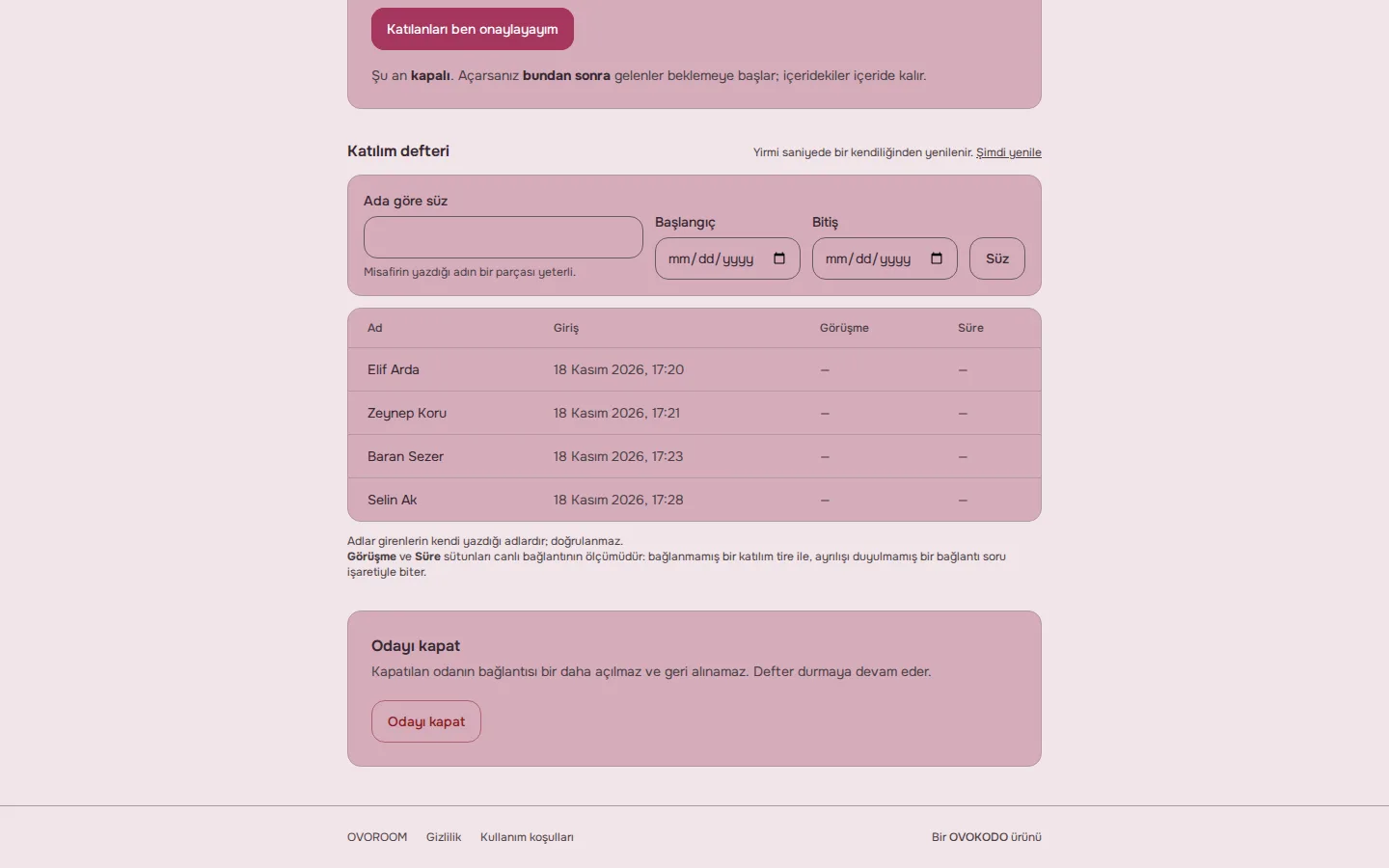
Nothing to install; a room opens from a link.
The server creates the link; the room name never shows in the address bar.
Guests join from your link by typing a name, with no account.
Turn it on and accept or turn away joiners from your room panel.
Voice and video work in the browser with nothing to install.
Share your screen, a window or a tab.
See joins and leaves, filter the log; download it as CSV on Pro.
Start free; move to Pro when your team grows.
Free
$3.90/ month · excl. VAT
Alongside your business
Monthly subscription; renews automatically, cancel any time.
OVODOCK brings business apps together; your meetings stay under the same roof as your customer records.
No. A guest opens the link you share, types a name and joins.
No. Meetings run in the browser.
Yes. The attendance log lists joins and leaves; filter by name or date.
In-call chat ends with the call; save any notes you need separately.
Only the room owner, from their own room panel. Everyone in the room is notified when a recording starts. Automatic transcription and live captions are not offered.
No. The account is free; it gives one open room, a one-hour call and 100 participants, with no card.
You cancel from your account at any time; it takes effect at the end of the paid period and your open rooms stay open. You can ask for a refund within 14 days of the first payment; renewal payments are not refunded.
Yes. With OVOKODO ID, one account signs you in to every product. Guests join with the link alone, no account.
The interface is in Turkish and English. Payment is taken through PayTR in Türkiye and through Paddle, as the seller, elsewhere; your card details never reach the product.
Support answers by email and Helpdesk within 24 hours on business days. Calls run in the browser, so the same link opens on a phone too.
Measurement cookies measure anonymously how pages are used. They are set only if you allow them; you can change your choice from the Cookie preferences link in the footer.
We use measurement cookies to improve the site. Essential cookies are always on. · Privacy policy(opens on OVOKODO)