Guide · · 4 dk okuma
Running a meeting: waiting room, removing a participant and muting everyone
How to turn on the waiting room in OVOROOM, admit or refuse people at the door one by one, remove someone inside and mute everyone.
Yazıyı oku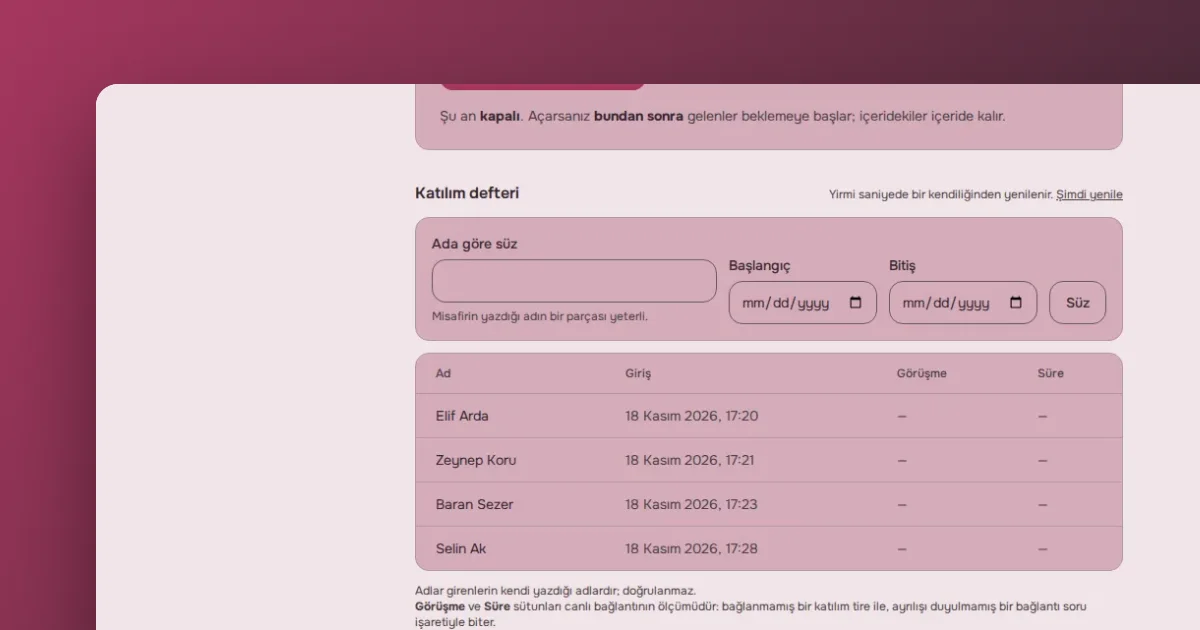
Yazar OVOKODO Ekibi · · 4 dk okuma
In short: This is not a real customer story but a scenario based on the product's real features. A consultant opens a room on OVOROOM to meet a client who will not open an account, turns on the waiting room, sends the link and reads the duration from the ledger after the call. The whole process takes a few minutes.
Picture a financial consultant. On Thursday she will hold a first meeting with a client she has never spoken to. She does not want the client to open an account or install an app; those spoil the first impression. She also wants to know exactly how many minutes the meeting lasted, because the first meeting is free up to a set time.
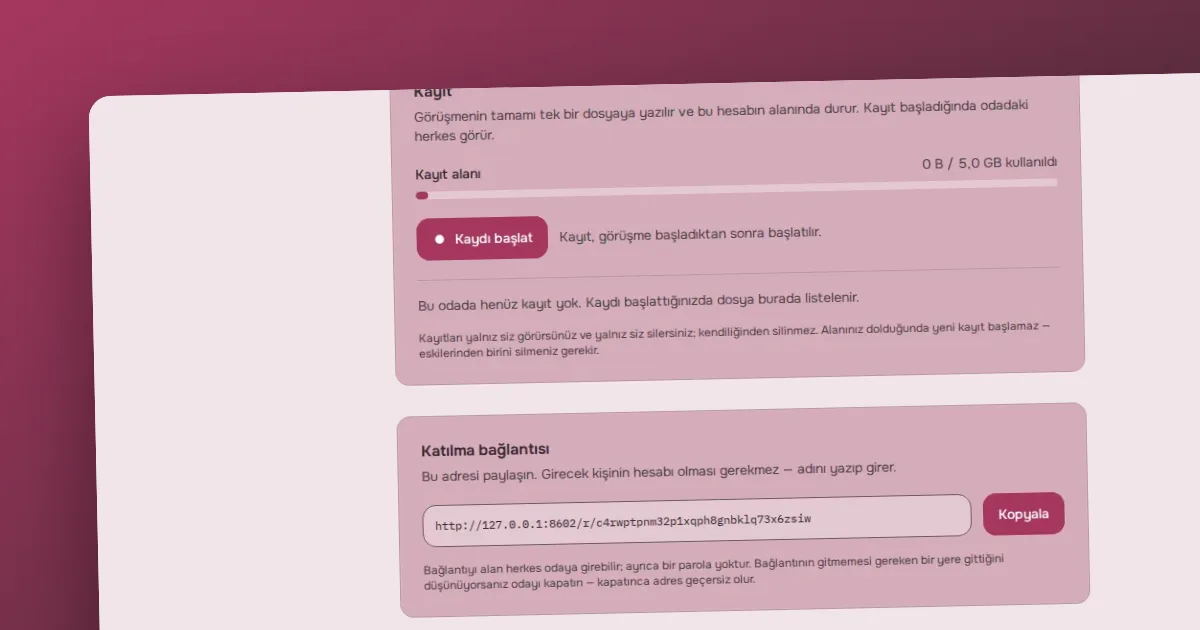
The consultant chooses Open room in the panel and names the room after the client so she can tell it apart later. The room page opens; the meeting, the join link and the ledger are on the same page.
The consultant enables the waiting room. She will send the link only to the client, but in case an email is forwarded to the wrong person she wants to see for herself who arrives at the door.
The consultant copies the link and sends it to the client in a short email with the meeting time: "Let's meet at this link on Thursday at 2 pm. Just type your name; you do not need to open an account." She does not put the link anywhere public.
At 1:55 pm on Thursday the consultant enters the room. The client opens the link, types a name and lands at the door. The consultant sees the name, confirms it is the person she expected and admits them. The call begins. If something goes wrong during the call, for instance if the link has reached the wrong person, the consultant can remove the person from the room.
When the call ends the consultant opens the ledger. In the client's row she sees:
| Column | Value | |---|---| | Name | The name the client typed | | Connected to meeting | 2:01 pm | | Left | 2:38 pm | | Duration | 37 minutes |
The consultant records the duration in her own notes. Then she closes the room; this renews the link, and the old link no longer lets anyone in.
To be honest: there is no calendar invitation in this flow; the consultant must write the meeting into her own calendar and the client's herself. There are no captions or transcription; if the client is deaf or hard of hearing, another route is needed. On the free plan the meeting is limited to 60 minutes and there is one open room; a consultant planning two meetings at once needs the Pro plan. Recording exists only if recording storage is defined, and telling the client in advance is the consultant's responsibility.
Ready? Open your room on OVOROOM.
Guide · · 4 dk okuma
How to turn on the waiting room in OVOROOM, admit or refuse people at the door one by one, remove someone inside and mute everyone.
Yazıyı oku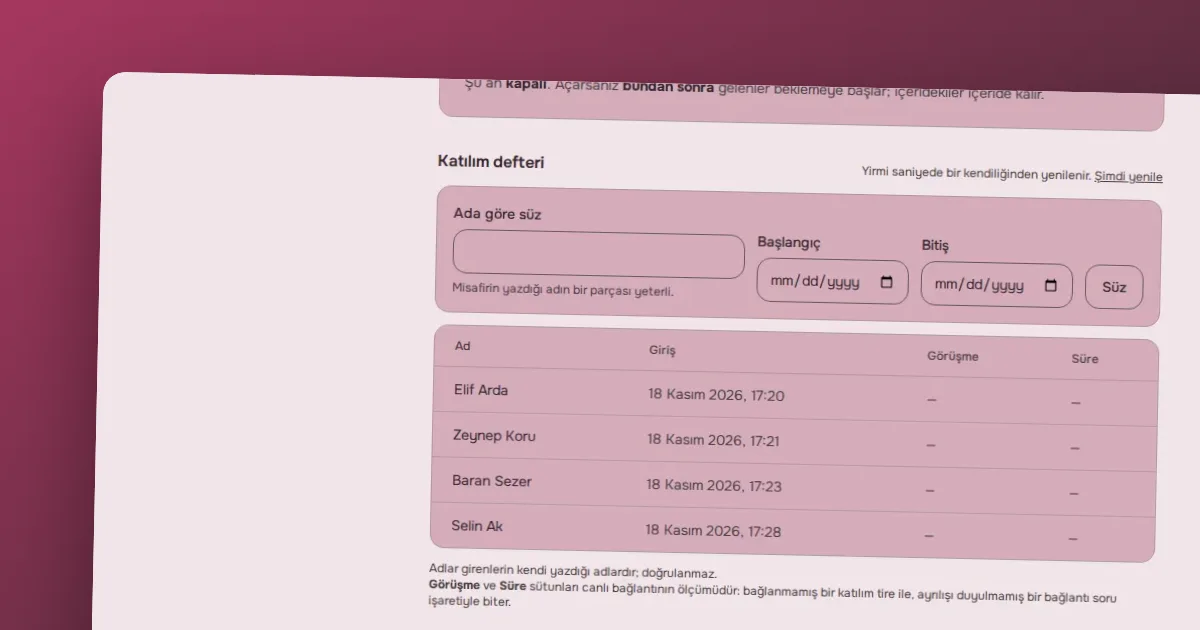
Comparison · · 4 dk okuma
Compares OVOROOM's link-based rooms with account-free guests to meeting tools that work with calendar invitations, and says when each is the right one.
Yazıyı oku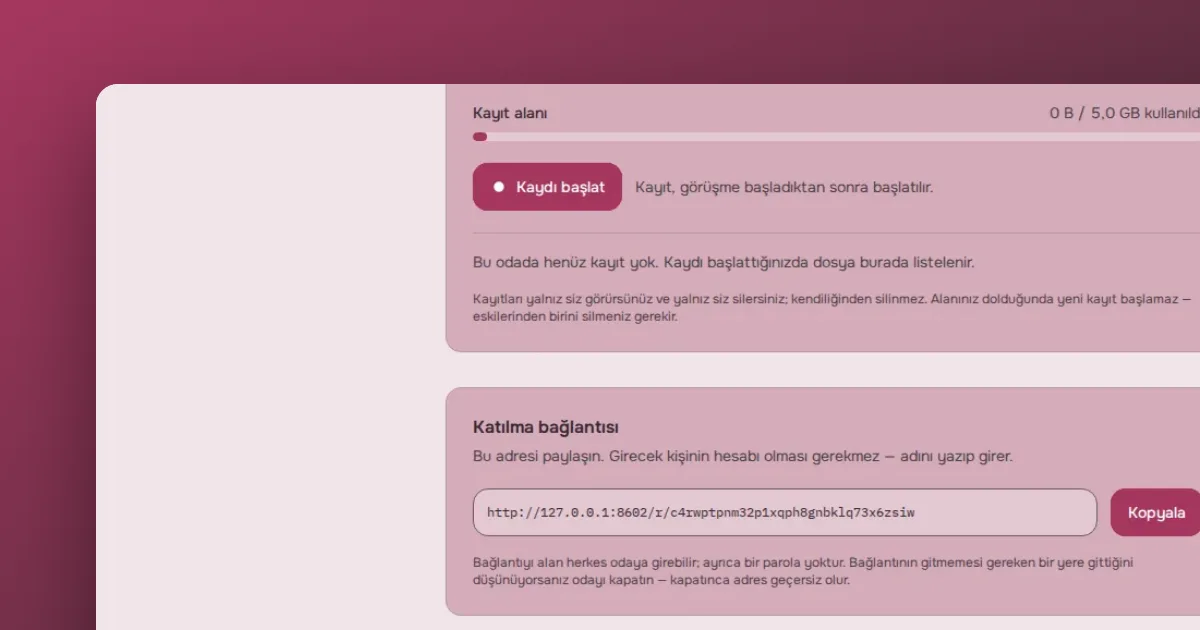
Guide · · 4 dk okuma
Step by step: open a room on OVOROOM, share the join link and let guests enter without an account, just by typing a name.
Yazıyı okuMeasurement cookies measure anonymously how pages are used. They are set only if you allow them; you can change your choice from the Cookie preferences link in the footer.
We use measurement cookies to improve the site. Essential cookies are always on. · Privacy policy(opens on OVOKODO)