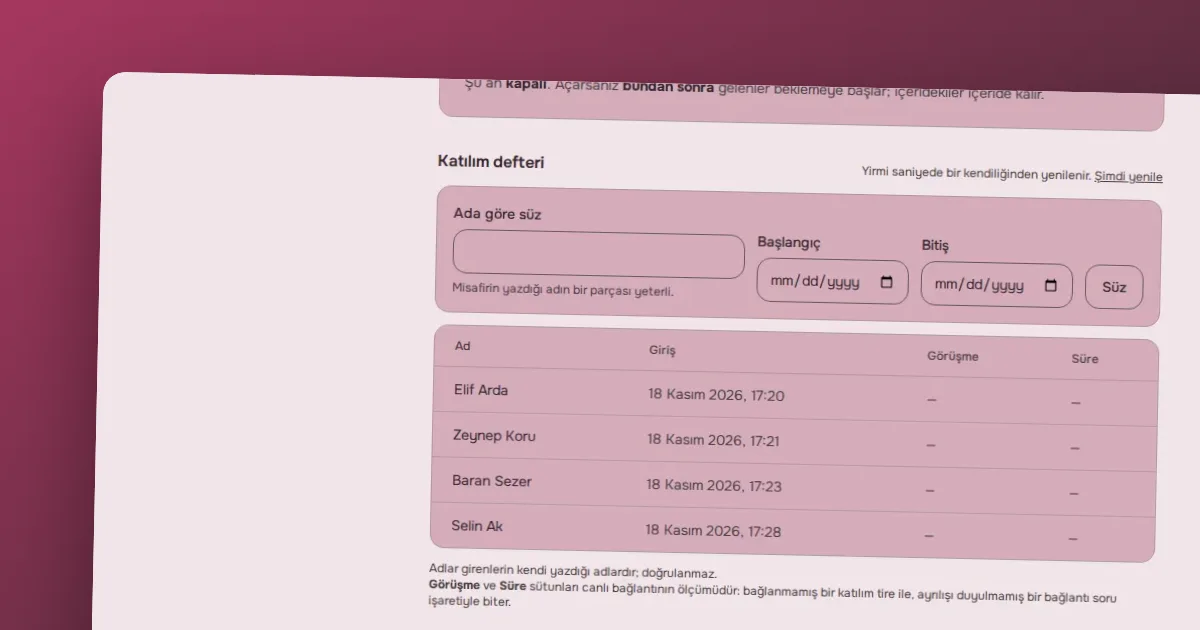
In short: On OVOROOM a room is an address. You open a room, share the join link, and the person who arrives types only a name and enters, with no account. In the room's ledger you see who entered when and how long they stayed. The free plan gives one open room, up to 60 minutes per meeting and 100 participants.
What is a room, and why an address?
Most meeting tools work with calendar invitations: you create a meeting, invite attendees and expect everyone to have an account. OVOROOM does the opposite. When a room is opened the server generates a random 32-character key, and the join address is built from that key. Whoever knows the address enters. So the address is a secret and should be treated like one; you do not want it to leave the people you shared it with.
How do I open a room step by step?
- Open an account. OVOROOM is an independent product with its own sign-up, sign-in and two-step verification (TOTP). The person who opens the room has an account; those who join do not.
- Go to the panel. In the panel you see your room list and the Open room button.
- Give the room a name. The name is only a label for you.
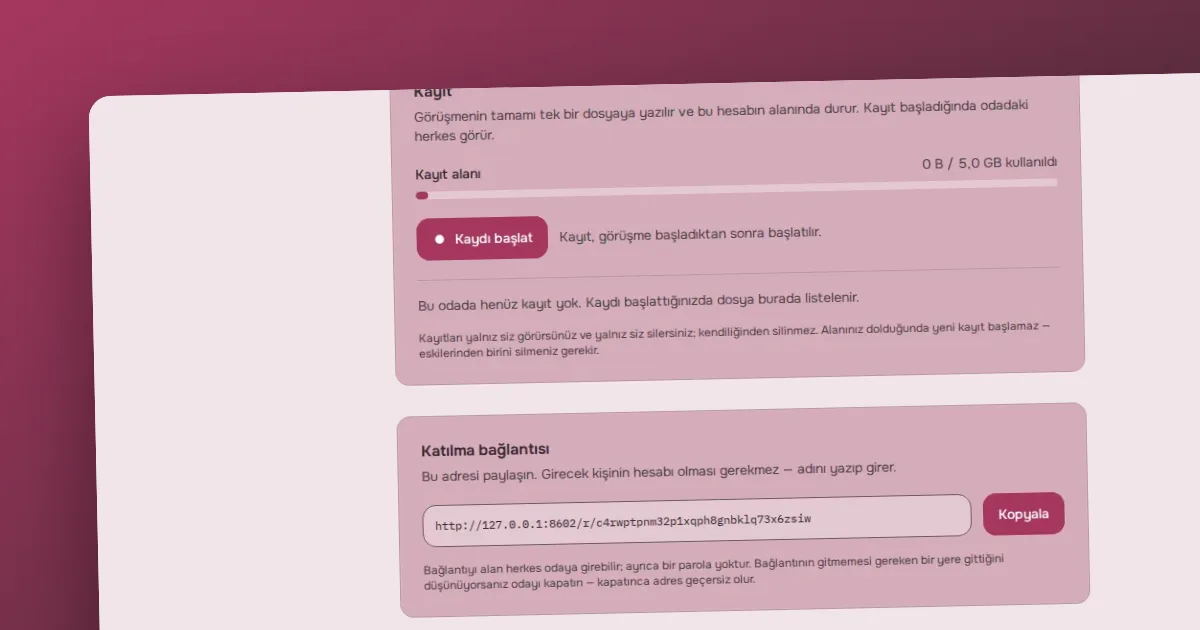
- Open the room page. The room page shows three things together: the meeting, the join link and the ledger.
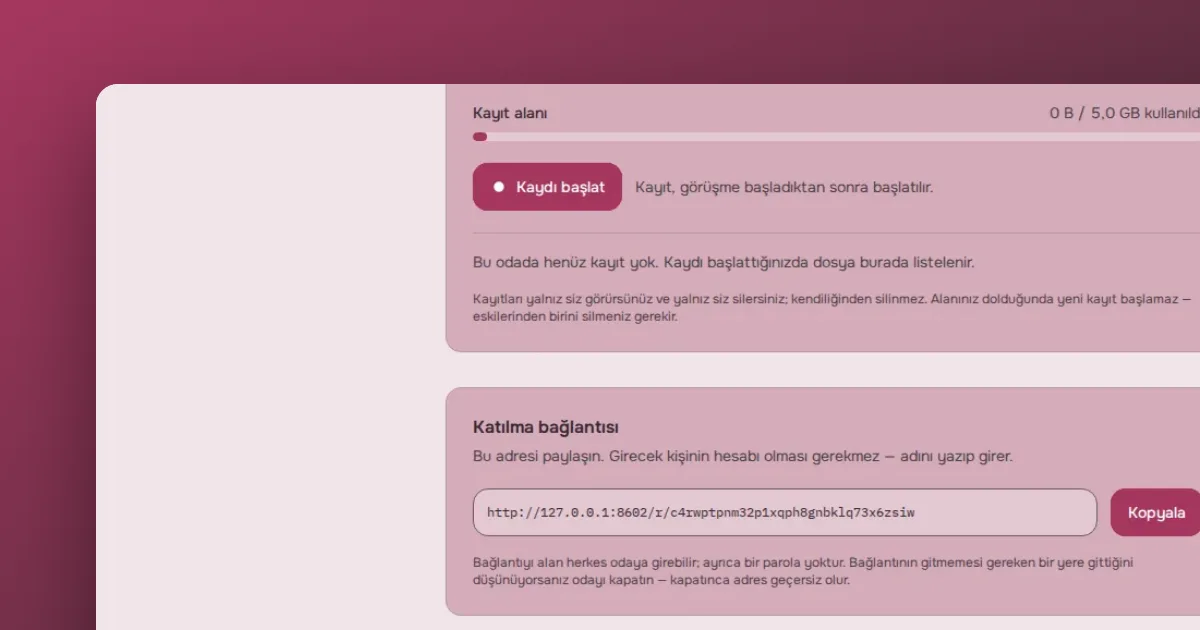
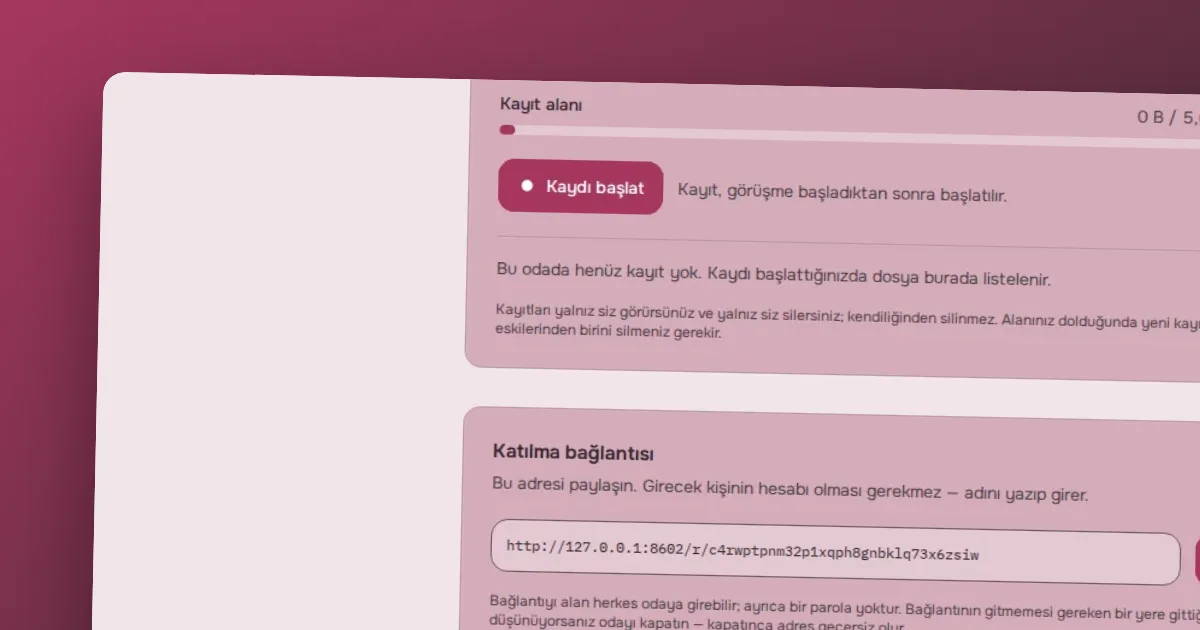
- Copy and share the link. The address starts with
ovoroom.com/r/ and is generated on the server; you copy it from the screen.
- Join the meeting yourself. The owner's meeting key is generated separately.
How does a guest enter?
The guest opens the link, types a name (at least 2 letters) and enters. No account, password or app is needed. A second entry from the same browser session does not add a new row. The join page is hidden from search engines (noindex), because an indexed address is a key with no secret.
The owner can also turn on a waiting room; the details are in the meeting management article.
What are the limits by plan?
The limit belongs to the room's owner, not the joiner: a guest opens no account, so the room's capacity is the owner's plan.
| Limit | Free | Pro |
|---|---|---|
| Open rooms | 1 | 20 |
| Meeting length | 60 minutes | 24 hours |
| Participants | 100 | 200 |
| Download the ledger as CSV | No | Yes |
If a plan drops, existing open rooms are not closed; only a new room runs into the limit.
What should I watch for link security?
- Send the link only to people you invite. Do not paste it on a public page.
- Close the room when the meeting ends. Closing renews the key; the old link of a closed room no longer opens.
- A wrong key says "not found". A malformed link, a nonexistent room and a closed room give the same answer, so nobody can learn from outside whether a room exists.
- The meeting connects with a short-lived key. This key enters only that room and is valid for 6 hours by default.
What if the meeting does not work?
OVOROOM does not carry video and audio itself; they pass through a separate meeting server that runs alongside the product. If that server's connection details are not defined, the room page says so openly; the link and ledger flow still work. So you never see a screen that shows a meeting that does not exist.
Frequently asked
- Must guests open an account? No; they only type a name.
- Can I delete a room? A closed room is not deleted; it shows as "Closed" in the list and its ledger stays.
- Can someone else look at my ledger? No; only the room's owner sees it.
Small tips
Name your room after the meeting so you can tell rooms apart in the panel. Share the link in the invitation email and in your calendar, but do not put it anywhere public. Before an important meeting, joining once yourself as a guest from a different browser is the quickest way to see that everything works.
Ready? Open a room on OVOROOM.